# Subscribe to a vanilla store outside React
Use a vanilla store when browser code outside React needs to read state, update it, or react to changes without rendering a React component. The page below shows two live values; clicking either button updates its value through a selected subscription.
## Create the store and subscribe
1. Install [`zustand`](https://bench-zustand-6l.atloria.app/p/bench-zustand-6l-TzFgfybqJX/developer/zustand):
```bash
npm install zustand
```
2. Put this markup in the page that loads your TypeScript entry point. It gives the example a mounted UI with two controls and two value displays:
```html
X:
Y:
```
3. In that entry point, create a store with [`createStore`](https://bench-zustand-6l.atloria.app/p/bench-zustand-6l-TzFgfybqJX/developer/zustand#createstore) from [`zustand/vanilla`](https://bench-zustand-6l.atloria.app/p/bench-zustand-6l-TzFgfybqJX/developer/zustand-vanilla). Wrap its state creator with [`subscribeWithSelector`](https://bench-zustand-6l.atloria.app/p/bench-zustand-6l-TzFgfybqJX/developer/zustand-middleware#subscribewithselector) from [`zustand/middleware`](https://bench-zustand-6l.atloria.app/p/bench-zustand-6l-TzFgfybqJX/developer/zustand-middleware), then subscribe to each coordinate:
```ts
import { subscribeWithSelector } from 'zustand/middleware'
import { createStore } from 'zustand/vanilla'
type Coordinates = { x: number; y: number }
const store = createStore()(
subscribeWithSelector(() => ({ x: 0, y: 0 })),
)
const xValue = document.getElementById('x-value')!
const yValue = document.getElementById('y-value')!
const incrementXButton = document.getElementById('increment-x')!
const incrementYButton = document.getElementById('increment-y')!
const initialState = store.getState()
xValue.textContent = String(initialState.x)
yValue.textContent = String(initialState.y)
store.subscribe(
(state) => state.x,
(x, previousX) => {
xValue.textContent = `${x} (was ${previousX})`
},
{ fireImmediately: true },
)
store.subscribe(
(state) => state.y,
(y, previousY) => {
yValue.textContent = `${y} (was ${previousY})`
},
{ fireImmediately: true },
)
incrementXButton.addEventListener('click', () => {
store.setState((state) => ({ x: state.x + 1 }))
})
incrementYButton.addEventListener('click', () => {
store.setState((state) => ({ y: state.y + 1 }))
})
```
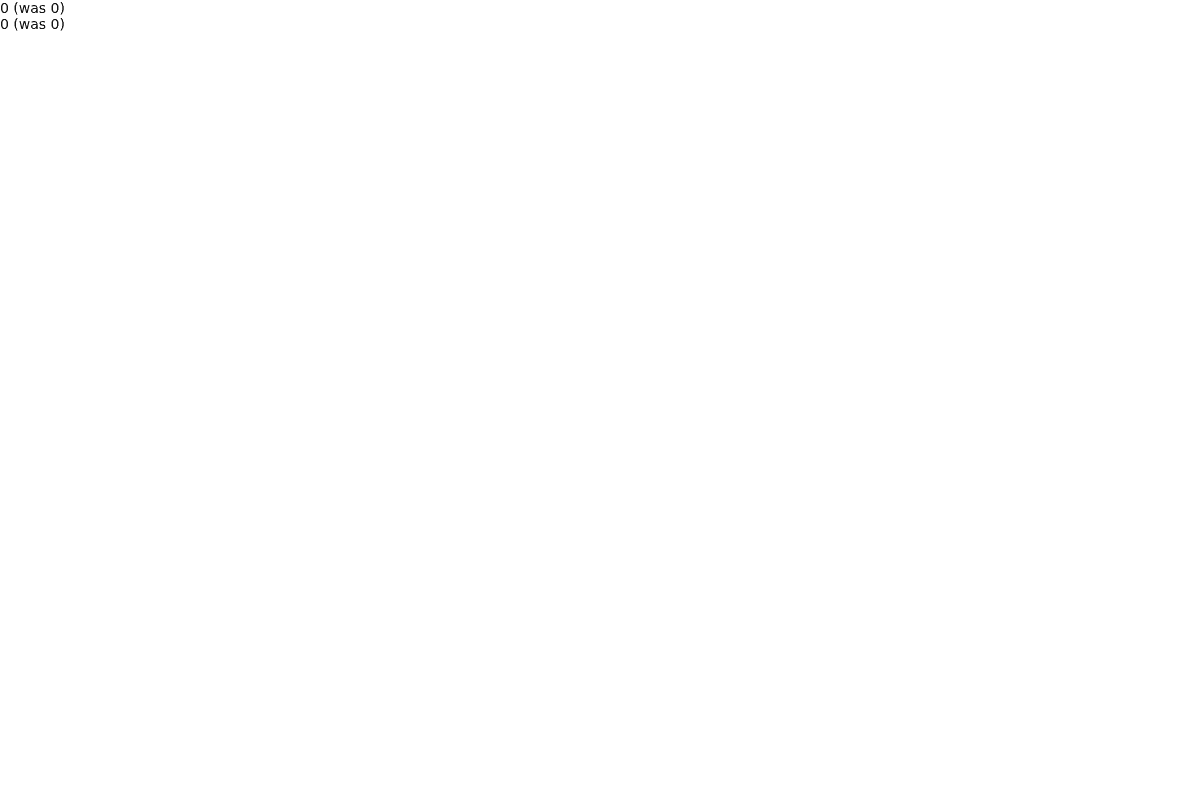
For the vanilla store's API surface, see [React and vanilla stores](https://bench-zustand-6l.atloria.app/p/bench-zustand-6l-TzFgfybqJX/developer/react-and-vanilla-stores). Here, subscription callbacks update ordinary DOM outputs directly, without a React component rendering the values.
## Selector subscription options
The selector form accepts an optional third argument:
| Option | Type | Default | What it does |
| --- | --- | --- | --- |
| `equalityFn` | `(a: U, b: U) => boolean` | `Object.is` | Compares the current and next selector results; the callback runs when they are not equal according to this function. |
| `fireImmediately` | `boolean` | `false` | Calls the callback as soon as it subscribes, passing the current selected value as both the new and previous values. |
Use the default comparison for scalar selections such as `state.x`. If you select a newly created object or array, provide an equality function appropriate to that value so equivalent selections do not trigger the callback.
## Pitfalls
- For the `subscribe` and middleware API details, see [Use a vanilla store in React](https://bench-zustand-6l.atloria.app/p/bench-zustand-6l-TzFgfybqJX/developer/use-a-vanilla-store-in-react); here, each DOM output tracks only its own coordinate.
- When middleware changes the `set` or `get` functions supplied to a state creator, those changes do not carry over to the vanilla store's `setState` and `getState` utilities. Use the store's actions when you need the middleware-wrapped behavior.
- For the Next.js shared-store and React Server Component caveat, see [Set up Zustand in Next.js](https://bench-zustand-6l.atloria.app/p/bench-zustand-6l-TzFgfybqJX/developer/set-up-zustand-in-nextjs).
## Live demo
Try the [Zustand live demo](https://zustand-demo.pmnd.rs/) to see a running Zustand application.
## Related
- [React and vanilla stores](https://bench-zustand-6l.atloria.app/p/bench-zustand-6l-TzFgfybqJX/developer/react-and-vanilla-stores)
- [Selector subscriptions](https://bench-zustand-6l.atloria.app/p/bench-zustand-6l-TzFgfybqJX/developer/selector-subscriptions)
- [Use a vanilla store in React](https://bench-zustand-6l.atloria.app/p/bench-zustand-6l-TzFgfybqJX/developer/use-a-vanilla-store-in-react)